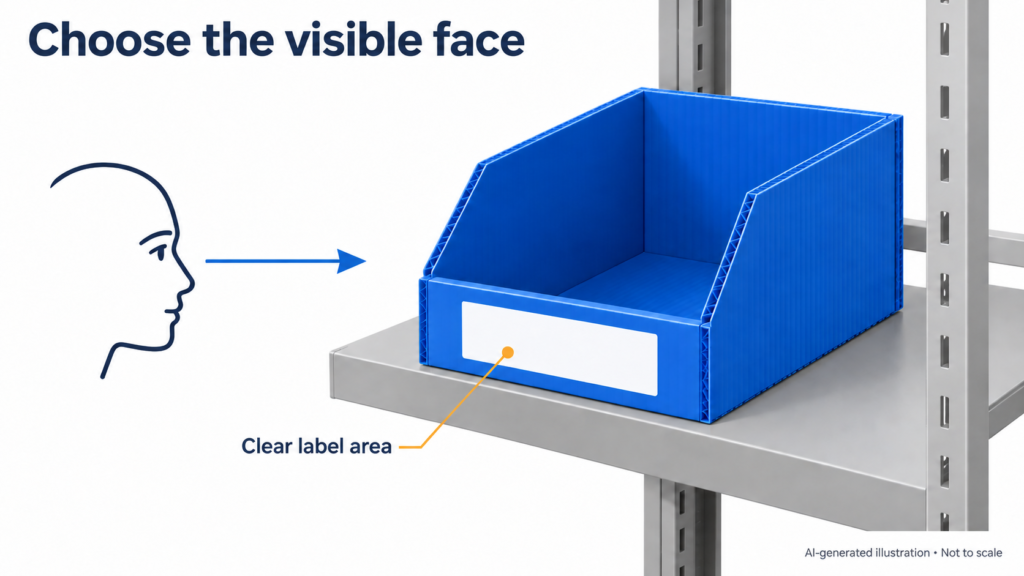
“The divider needs improvement” leaves the person reviewing your feedback guessing. Which sample was checked? Where did it move? What was happening at the time?
A useful feedback note answers those questions before proposing a change. For a PP corrugated box, divider or layer pad, keep the sample reference, photos and observations together so the next revision addresses the same problem.
Identify the sample on the bench
Record the sample ID, drawing revision, part used and check date. A new drawing does not mean the physical sample has been updated. If there are two versions on the bench, label them before taking photos.
Note any adjustments made during the check: a trimmed edge, an extra pad or a repositioned divider. Otherwise, the recipient may assume that the supplied sample was checked without changes.
Show the location as well as the detail
Take an overall photo of the assembled arrangement, then a close-up of the area in question. Use the same location label in both. A close-up of a slot is difficult to interpret if nobody can tell which strip it belongs to.
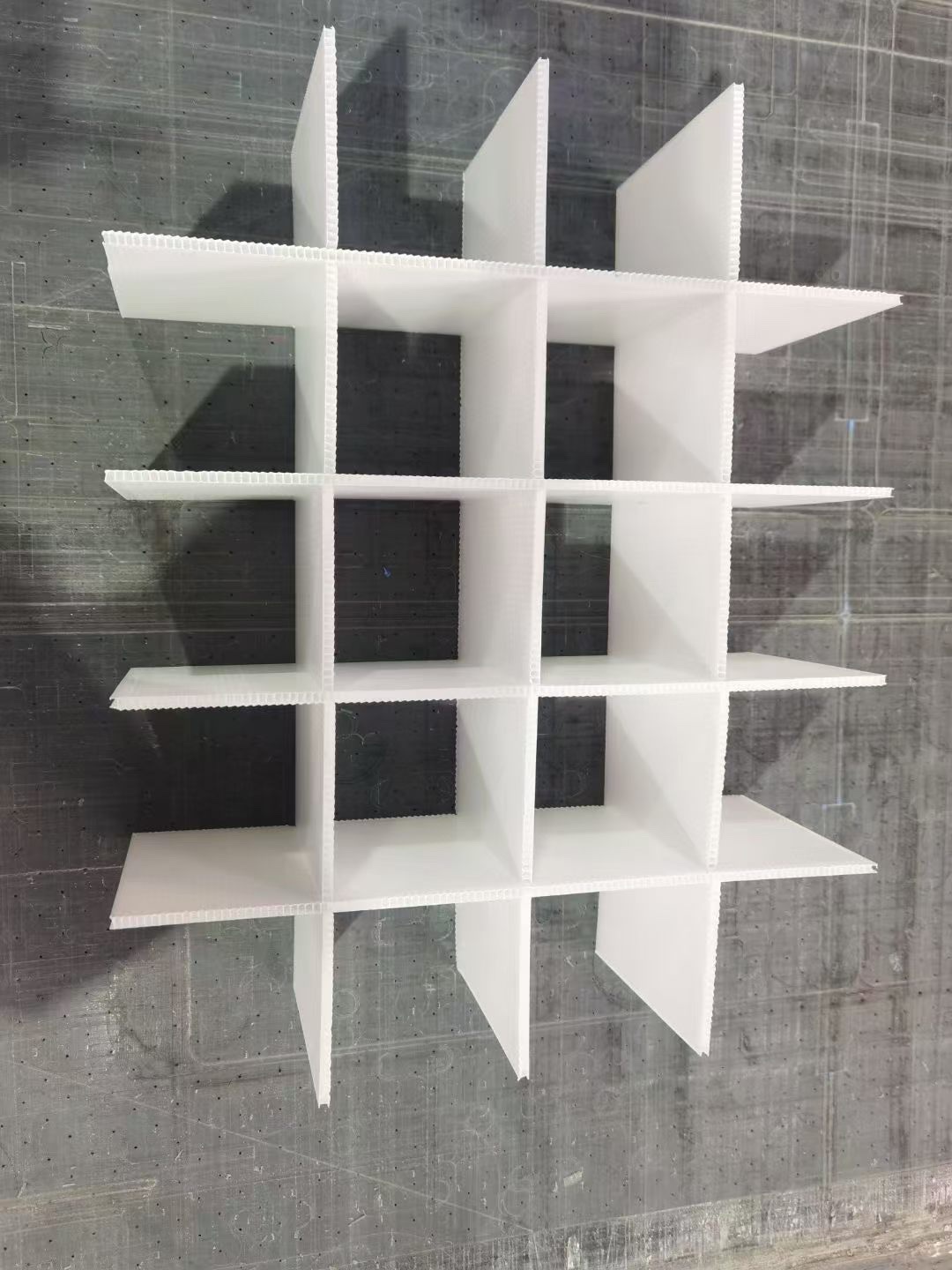
If movement occurs while a part is removed, a short video can show the sequence. Keep the surrounding supports and contact points in view. Check that you have permission to share any customer parts or identifying details visible in the files.
Describe what happened before naming a cause
“The strip lifted as the part was removed” records an observation. “The slot is too shallow” proposes a cause that still needs checking. Keep both in the note if useful, but label the proposed cause as a question.
For example, a hypothetical feedback note could read:
Sample B, drawing Rev B, unmodified. With the specified part in its intended cell, the divider strip lifted at joint A during manual removal. Photos A1 and A2 show the location. Please review the joint and confirm what to check on the revised sample.
This gives the reviewer a location and an action to investigate without prescribing an unverified fix.
Agree on the next check
Ask which change is proposed, how it will be identified on the next sample and who will confirm the result. For the example above, the follow-up should check the same removal action in the assembled arrangement, with the part and supports recorded. If those conditions change, note that too.
Keep the decision specific: “accepted for the recorded fit check” says more than “approved.” A fit photo does not establish a load rating, service life or transport performance. Where support or stacking matters, assess the complete arrangement with the intended load; the presence of a divider does not establish that it carries the load above it.
Feedback checklist to copy
- Sample ID and drawing revision:
- Check date, part and loading arrangement:
- Changes made to the supplied sample:
- Overall photo and matching detail labels:
- What happened, and during which action:
- Suspected cause, if any, clearly marked as unconfirmed:
- Requested review or proposed change:
- Next check, responsible person and target date:
- Decision scope and items still unverified:
Attach the next result to the revised sample ID so an earlier acceptance cannot be mistaken for approval of a later version.
For the wider review process, see sample and project validation. If you are still preparing the initial design inputs, see what information is needed before designing a PP divider.
To discuss a sample with Youqian Global, submit your requirements through the sample-validation page. Include the sample reference in your message, then send the marked photos by email when following up on the enquiry.